January 4th, 2026
Improved

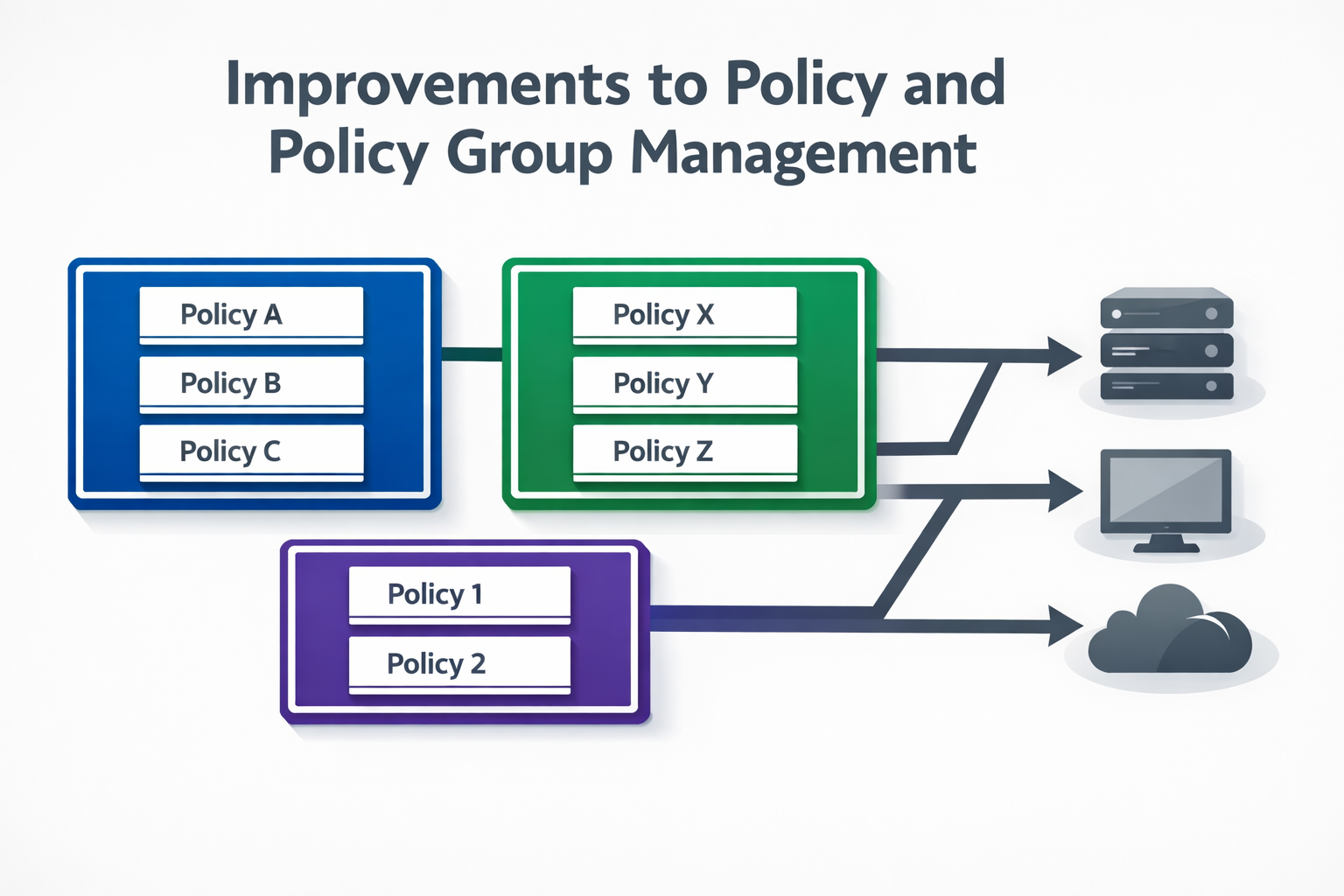
Trio has introduced improvements to policy and policy group management, enhancing how policies are created, organized, and applied across managed devices.
While policy management capabilities were already available, this update improves structure, consistency, and administrative control, making it easier to manage policies at scale and reduce configuration overhead.
More consistent handling of policy groups and assignments
Improved clarity in policy-to-device and policy-to-group relationships
Better support for managing policies across larger and more complex environments
Policies in Trio define configuration and security requirements enforced on managed devices. Policy groups act as a logical layer to organize multiple policies and apply them collectively to device scopes or organizational units.
With these improvements:
Policy group behavior is more predictable during assignment and updates
Policy changes propagate more reliably across associated devices
Administrative actions around grouping and management are more structured
Policy enforcement state is derived from backend configuration data and device synchronization cycles. Runtime behavior, user interaction, and immediate enforcement timing are dependent on platform and device conditions.
As environments scale, managing policies individually becomes inefficient and error-prone. Policy groups help:
Reduce duplication in policy configuration
Maintain consistency across device categories or organizational units
Simplify updates by centralizing changes
Improved policy group management reduces operational risk and improves maintainability.
With this update, Trio enables administrators to:
Organize policies more effectively using improved grouping logic
Apply and manage policies at scale with greater confidence
Maintain alignment between intended configuration and deployed state
These improvements strengthen Trio’s policy framework by making policy and policy group management more scalable, predictable, and manageable.
January 4th, 2026
New

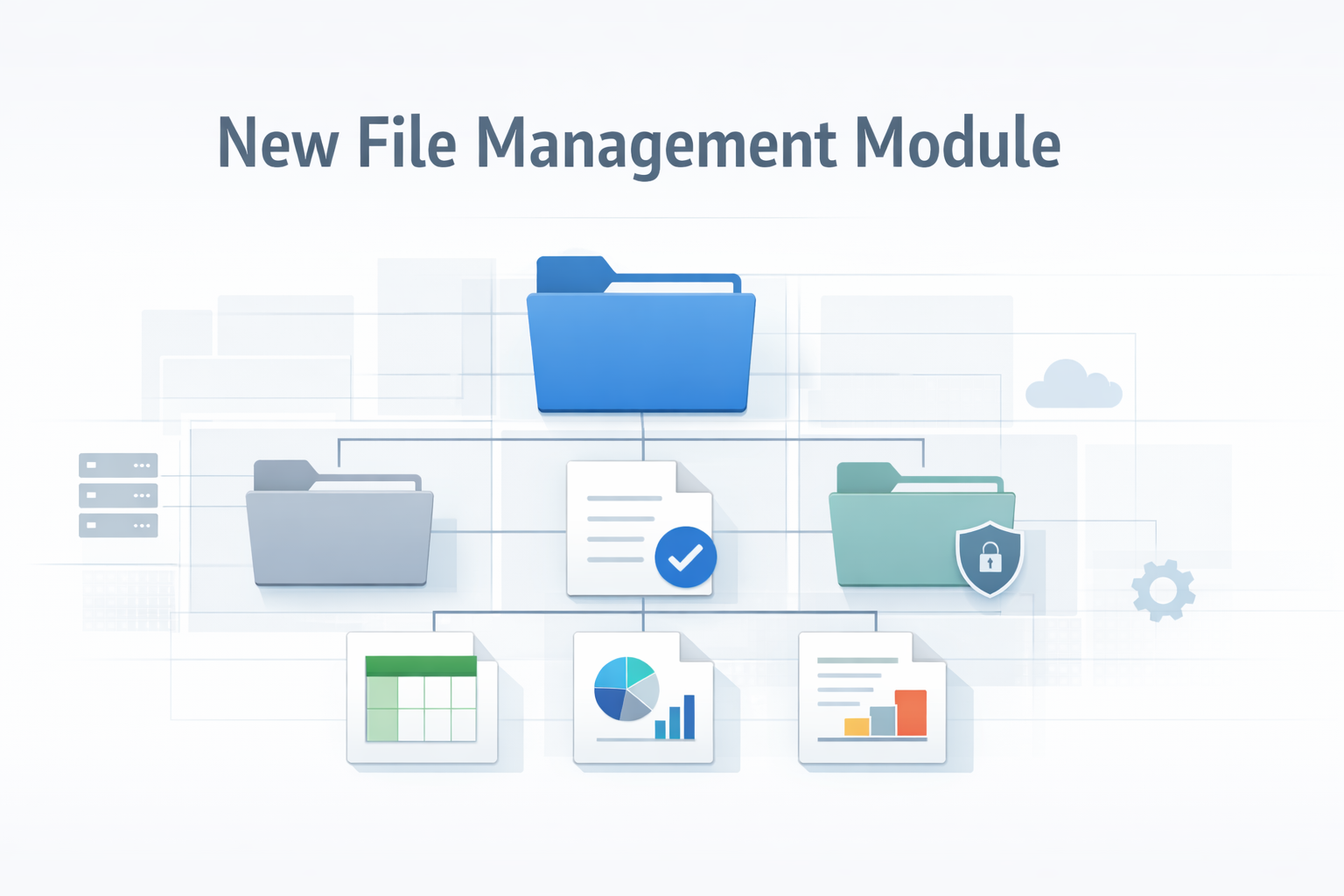
Trio has introduced a new File Management module, expanding administrative control and visibility over files on managed devices.
This module is designed to support operational workflows that require structured access to device-level file operations, while maintaining alignment with security and governance requirements.
Centralized visibility into files and directories on managed devices
Controlled interaction with device file systems through the management platform
A structured foundation for file-related administrative actions and workflows
The File Management module interfaces with device agents and platform services to surface file system information from managed endpoints. File data and availability are derived from agent-reported metadata and backend synchronization processes.
The module focuses on management-level access and visibility, not continuous file activity monitoring. File contents, user interaction behavior, and real-time file change tracking depend on platform support and are not universally inspected.
For IT and security teams, controlled file access is important for:
Supporting operational and troubleshooting tasks
Managing device-level data in distributed environments
Enforcing organizational governance around file handling
Without a centralized mechanism, file-related administrative actions often rely on manual or ad-hoc processes.
With the introduction of this module, Trio enables administrators to:
Interact with device file systems in a structured and auditable way
Reduce reliance on direct user involvement for file-related tasks
Maintain consistency across managed environments
The File Management module extends Trio’s management capabilities by adding structured file-level visibility and control, while remaining aligned with platform constraints and security boundaries.
January 4th, 2026

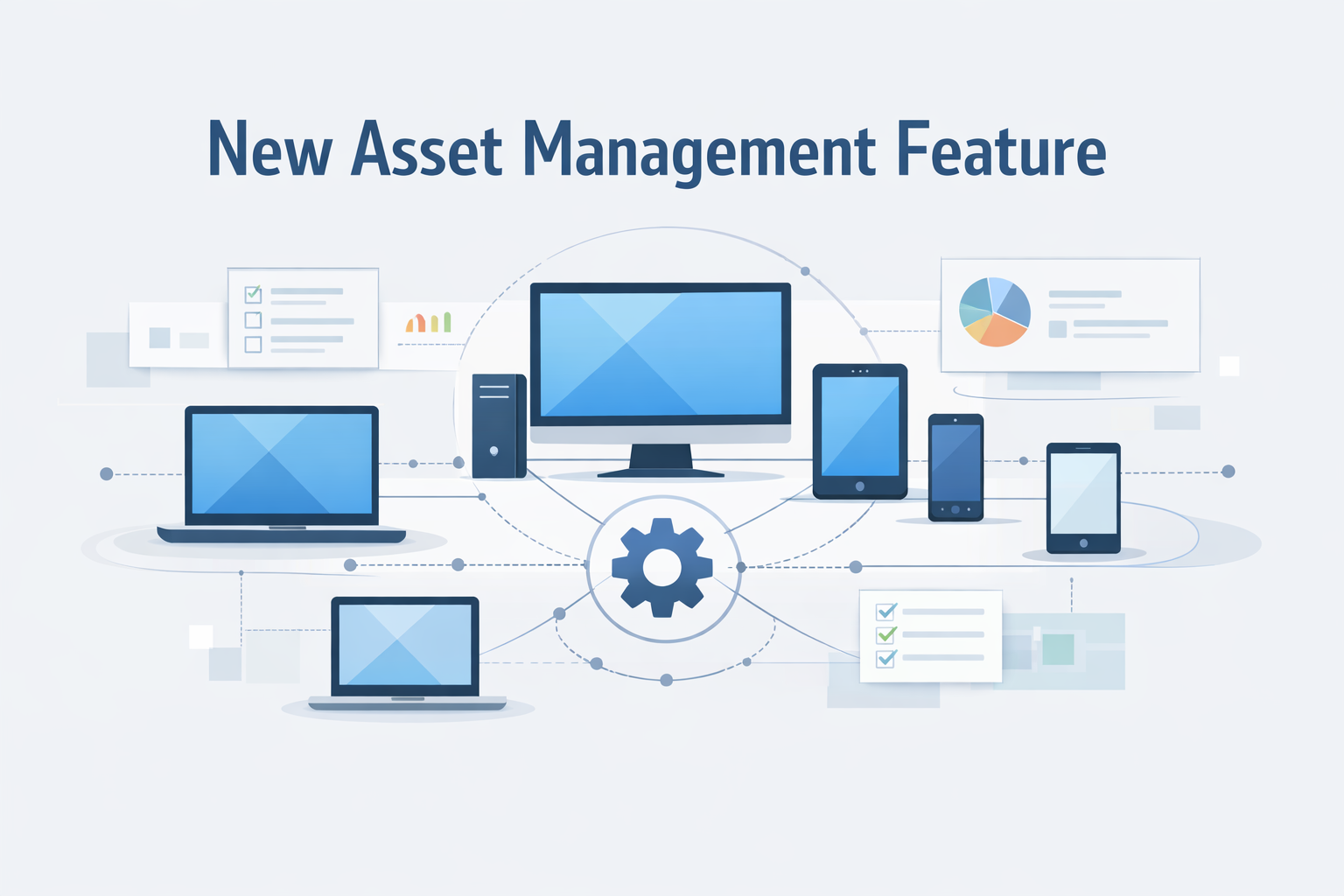
Trio has introduced a new Asset Management feature, expanding visibility and control over managed devices across the environment.
This feature provides a centralized view of organizational assets, enabling administrators to track device ownership, state, and key attributes more effectively. It is designed to support operational oversight, security workflows, and compliance requirements by establishing a clearer system of record for managed assets.
Centralized visibility into managed devices and assets
Structured representation of asset metadata, such as ownership and status
Improved alignment between device inventory and management policies
The Asset Management feature aggregates device information from enrollment records, agents, and backend system metadata. Asset state is derived from synchronized data sources and reflects the most recent reported configuration and association.
The feature focuses on inventory representation and governance, rather than real-time device behavior. Telemetry freshness, discovery accuracy, and reconciliation logic depend on platform reporting and synchronization cycles.
Accurate asset visibility is foundational for:
Security and access control enforcement
Lifecycle management (enrollment, reassignment, decommissioning)
Audit readiness and compliance reporting
Without a structured asset inventory, enforcing policies and responding to incidents becomes inconsistent and error-prone.
With this new feature, Trio enables administrators to:
Maintain a reliable inventory of managed devices
Associate assets with users or organizational context
Use asset data as a foundation for policy enforcement and operational decisions
This introduction strengthens Trio’s core device management capabilities by making asset visibility more structured, centralized, and actionable.
January 4th, 2026
Improved

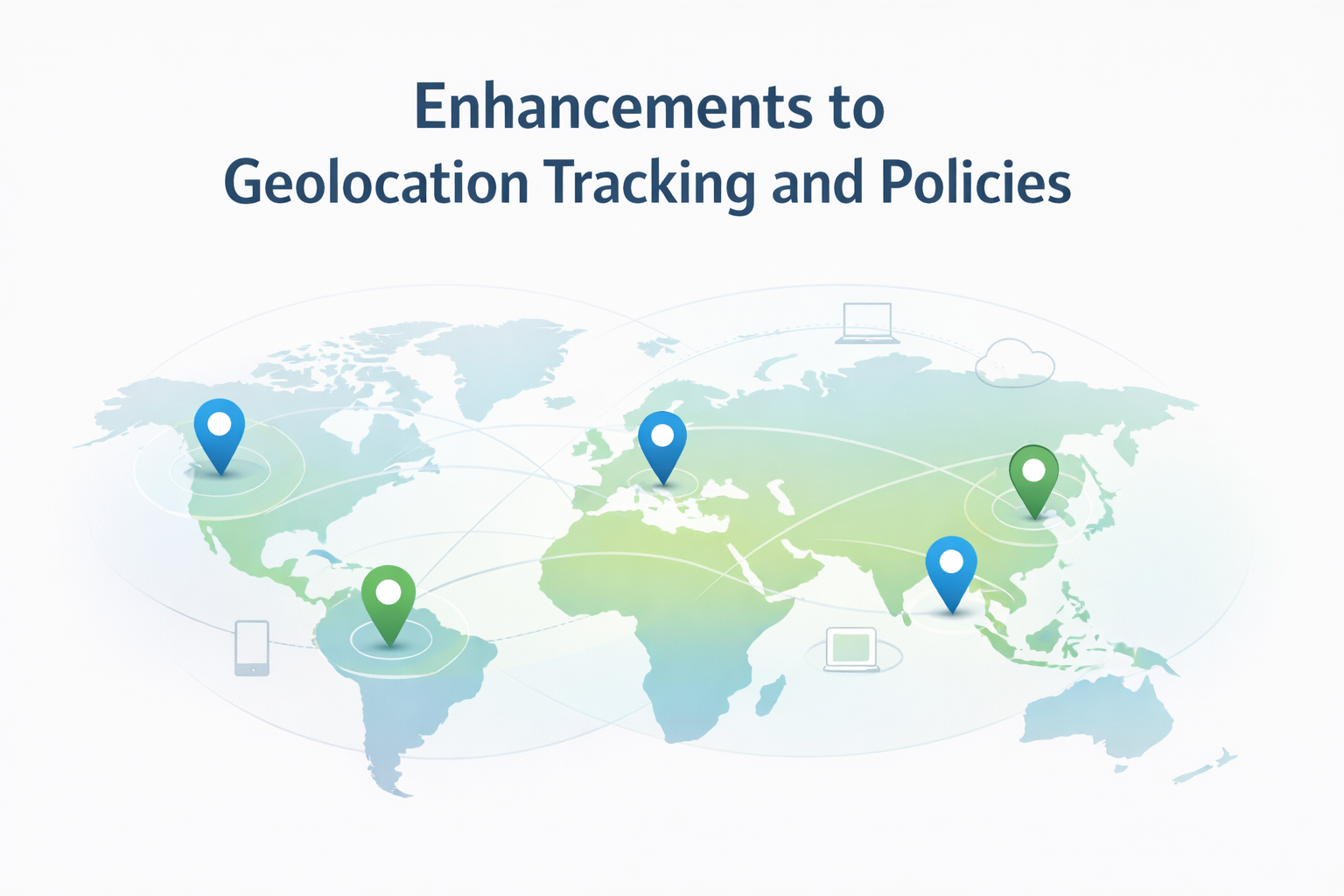
Trio has introduced enhancements to geolocation tracking and location-based policies, improving how device location data is collected, visualized, and used within policy enforcement workflows.
Geolocation capabilities were already available, but this update strengthens accuracy, consistency, and policy alignment, making location data more actionable for operational and security use cases.
More reliable device location reporting across supported platforms
Improved handling of location updates and state changes
Clearer linkage between geolocation data and location-based policy logic
Geolocation tracking in Trio relies on platform-level location services and device telemetry to determine the approximate geographic position of managed endpoints. Location data is processed and presented in a way that supports:
Device visibility across distributed environments
Location-aware operational decisions
Enforcement of policies based on geographic context
Location information is derived from system services and agent telemetry. Environmental factors such as network conditions, platform permissions, and hardware capabilities can affect accuracy. Real-time movement, indoor positioning, and user behavior are not continuously inspected.
For organizations managing geographically distributed devices, geolocation data helps:
Track device presence across offices, regions, or countries
Apply different policies based on physical location
Detect unexpected device movement or out-of-region activity
Location-based policies add contextual awareness to device management, complementing traditional identity- and configuration-based controls.
With these enhancements, Trio enables administrators to:
View and manage device locations more clearly within the platform
Apply location-aware policies using improved geolocation data
Maintain better alignment between physical device context and security enforcement
Location tracking and policy evaluation are dependent on platform support and granted permissions. Precision boundaries, real-time tracking, and continuous movement monitoring are not guaranteed.
These enhancements make geolocation tracking and policy enforcement more consistent, informative, and usable within Trio.
January 4th, 2026
Improved

Trio has introduced improvements to BitLocker management for Windows devices, enhancing how full-disk encryption is enforced and managed across enrolled endpoints.
BitLocker support already existed within Trio, but this update refines the way encryption requirements are configured, applied, and maintained through centralized policies, resulting in more consistent behavior and clearer enforcement across Windows environments.
More reliable BitLocker enforcement through policy-driven configuration
Clearer separation between encryption enablement and device assignment
Improved consistency across managed Windows devices, especially during enrollment and policy refresh cycles
BitLocker is Windows’ native full-disk encryption technology. It encrypts the entire operating system volume using AES-based encryption, protecting data stored on the device when it is powered off or accessed outside the operating system.
When BitLocker is enabled:
All data on the system drive is encrypted at rest
Disk contents remain inaccessible without proper authentication
Data is protected against offline access, disk removal, and unauthorized boot attempts
BitLocker typically integrates with TPM (Trusted Platform Module) hardware to securely store encryption keys and validate system integrity during startup.
Windows devices are frequently used in mobile, hybrid, and remote work environments. Without full-disk encryption:
Lost or stolen devices can expose sensitive organizational data
Offline access to disks can bypass operating system controls
Compliance with security and regulatory requirements may be compromised
BitLocker mitigates these risks by enforcing encryption at the storage layer, independent of user actions.
With this improvement, Trio enables administrators to:
Enforce BitLocker through centralized Windows security policies
Apply encryption requirements consistently across device groups
Maintain alignment with organizational security baselines for data-at-rest protection
Encryption state is derived from system configuration and device reporting. Key escrow handling, encryption progress, and cryptographic validation depend on Windows platform capabilities and are not actively inspected by Trio.
These improvements strengthen Windows endpoint protection by making BitLocker enforcement more consistent, predictable, and policy-driven within Trio.
January 4th, 2026
Improved

Trio’s FileVault support for macOS has been improved to provide more consistent, policy-driven enforcement of full-disk encryption across managed devices.
While FileVault enforcement was previously available, this update refines how FileVault settings are configured and applied through dedicated macOS security profiles, improving reliability, visibility, and administrative control.
What’s improved
More structured FileVault configuration via macOS profiles
Clearer separation between encryption policy definition and device assignment
More predictable enforcement behavior across enrolled Mac devices
What FileVault does (technical overview)
FileVault is macOS’s native full-disk encryption technology. It encrypts the entire system volume using XTS-AES-128 encryption with a 256-bit key, ensuring that data stored on the device remains protected when the system is powered off or compromised.
Once enabled:
User data, system files, and application data are encrypted at rest
Access to disk contents requires authenticated user credentials
Data remains unreadable if the device is lost, stolen, or accessed outside the operating system
Why FileVault is essential on macOS
macOS devices are commonly used in mobile and remote work environments. Without full-disk encryption:
Data can be accessed by removing the disk or booting into external environments
Lost or stolen devices pose a direct data exposure risk
Compliance with security and data protection standards may not be met
FileVault addresses these risks by enforcing encryption at the storage layer, independent of user behavior.
How Trio applies FileVault
With this improvement, Trio enables administrators to:
Enforce FileVault through centralized macOS profiles
Assign encryption requirements consistently across device groups
Maintain alignment with organizational security baselines for data-at-rest protection
Encryption state is derived from system configuration and device reporting. Encryption progress, key escrow workflows, and cryptographic validation depend on macOS platform behavior and are not actively inspected by Trio.
This update strengthens macOS data protection by making FileVault enforcement more consistent, manageable, and policy-driven within Trio.
December 23rd, 2025
Improved

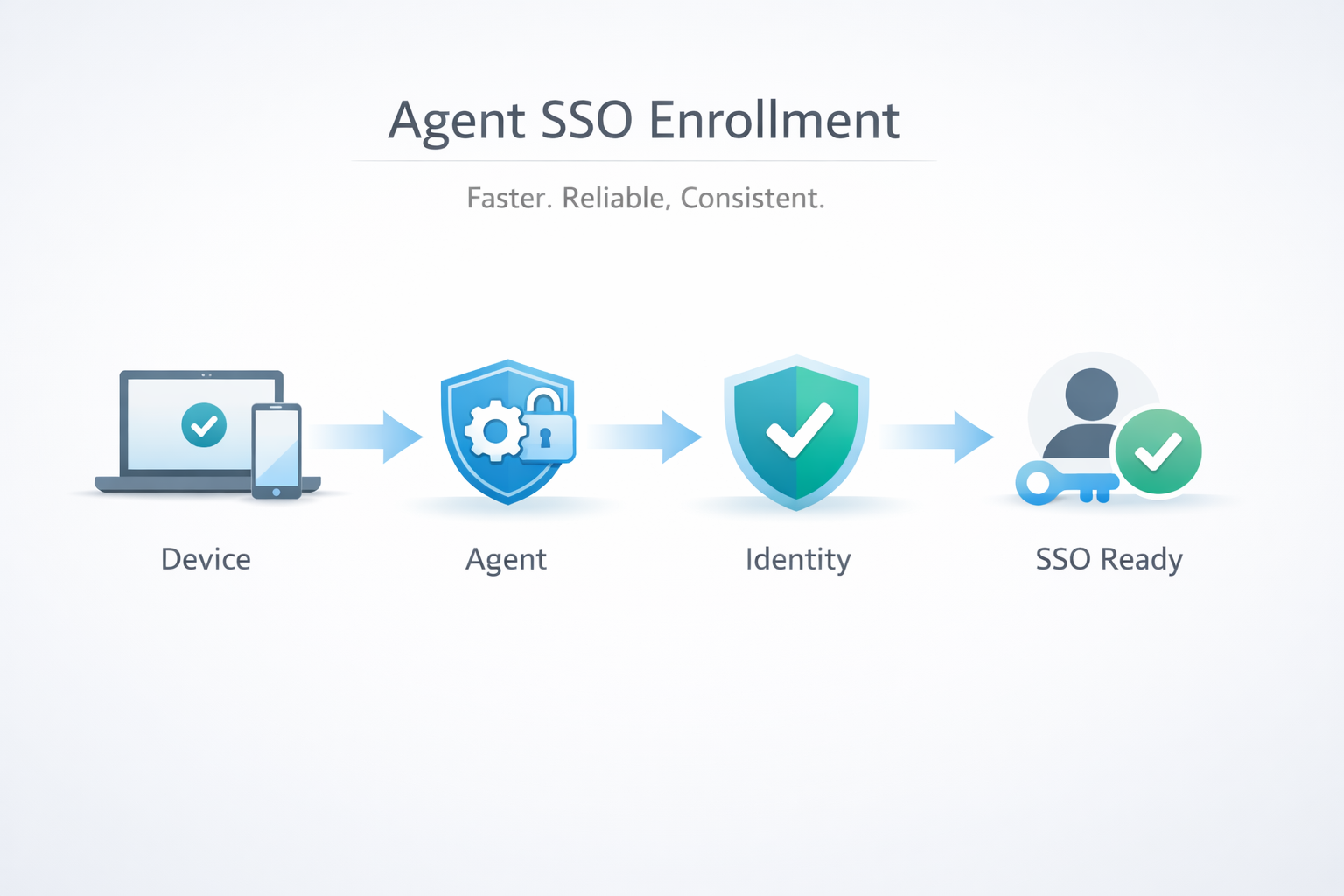
Trio has enhanced the Agent SSO enrollment experience to deliver a faster, more deterministic, and more reliable setup flow across supported platforms. This improvement reduces enrollment friction while ensuring that SSO configuration remains tightly coupled with device trust and identity validation.
The Agent SSO enrollment flow has been reworked to eliminate unnecessary steps, reduce failure points, and provide clearer state handling during setup. Enrollment is now optimized to ensure that identity binding, agent registration, and SSO readiness occur in a predictable sequence.
This results in fewer enrollment retries, faster time-to-ready states, and improved consistency across platforms.
The improved enrollment process introduces a structured, state-aware workflow:
1) Pre-enrollment validation
Verifies device compatibility, platform prerequisites, and agent readiness
Confirms network reachability to required identity and enrollment services
2) Identity and agent binding
Authenticates the user via the configured IdP
Securely binds the agent instance to the user and device identity
Establishes the trust relationship required for SSO and Zero Trust evaluation
3) Enrollment finalization
Completes agent registration and policy assignment
Validates SSO capability before marking the device as enrollment-complete
Surfaces deterministic success or failure states instead of partial enrollment
If any step fails, the process exits cleanly with actionable failure handling rather than leaving the device in an indeterminate state.
SSO reliability depends heavily on enrollment correctness. Inconsistent or partial agent enrollment can lead to authentication failures, policy mismatches, or degraded user experience.
By restructuring the enrollment flow, Trio ensures:
Reduced SSO setup errors across platforms
Faster onboarding for new devices and users
Stronger alignment between agent state and access enforcement
Lower operational overhead for IT teams
Improves success rates for Device SSO, Conditional Access, and Device Login
Reduces support cases related to incomplete or failed enrollments
Provides a more consistent enrollment experience across supported operating systems
Strengthens auditability by ensuring SSO is enabled only on fully enrolled devices
Organizations onboarding devices at scale
Teams enforcing SSO and Zero Trust across multiple platforms
IT administrators seeking predictable, low-touch device enrollment
Environments where enrollment reliability directly impacts access availability
December 23rd, 2025
Improved

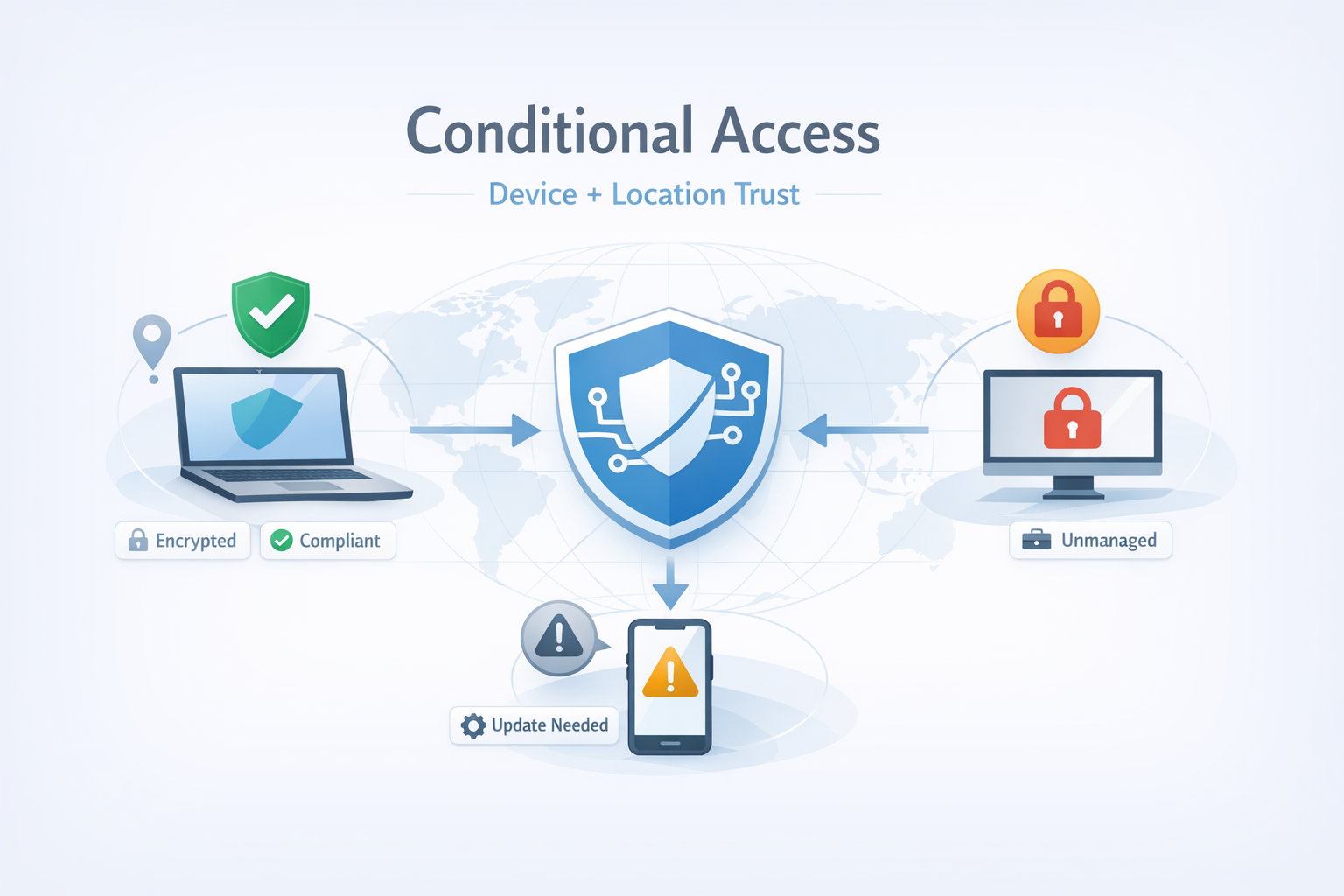
Trio’s Conditional Access module introduces policy-driven, context-aware access control that evaluates both device posture and real-time location trust before allowing authentication or session continuation. This enables Zero Trust decisions that are not static or identity-only, but continuously validated against device and environmental context.
Conditional Access in Trio adds a dedicated enforcement layer where access is granted only when a request satisfies multiple signals, including:
Device-based access: whether the requesting endpoint is enrolled, trusted, and compliant
Geolocation trust: whether the request originates from an approved geographic context, as defined by policy
This module enables “allow/deny/step-up” behavior at the moment of access—based on the device’s current state and the user’s location context.
When a user or device attempts to access a protected resource, Trio evaluates an access policy using a set of conditional inputs:
1) Device posture evaluation
Enrollment status (managed vs unmanaged)
Compliance state against assigned policies (e.g., encryption enabled, screen lock, OS requirements)
Device trust state (e.g., approved device identity, risk posture derived from agent telemetry where applicable)
2) Real-time location evaluation
Location is assessed against policy-defined trust criteria (e.g., permitted regions, office locations, or geofenced zones)
If location trust is required, access is allowed only if the device location matches the expected context at request time
3) Decision and enforcement
Trio returns an access decision:
Allow if all conditions pass
Deny if any mandatory condition fails
Conditional/step-up (where supported) if policy requires additional verification when risk is elevated (e.g., location mismatch or partial compliance)
Critically, this model supports dynamic enforcement: if device compliance changes or location context shifts, access can be re-evaluated based on policy.
Identity-based access alone cannot prevent access from:
A valid user signing in from an unmanaged device
A trusted device operating outside approved geographic context
A device that was compliant yesterday but is non-compliant now
Conditional Access addresses these gaps by enforcing contextual authorization at runtime. The result is stronger resistance to credential theft, unauthorized access, and policy drift.
Acts as a primary enforcement layer for Zero Trust access decisions
Integrates with IdP, Device SSO, and Device Login by adding context-based gating
Improves auditability by linking access outcomes to:
device identity
device compliance state
location context at time of request
Reduces manual incident response by preventing risky access paths by default
Organizations implementing Zero Trust across distributed teams
IT/security teams that need to restrict access by trusted device + trusted location
Environments with sensitive data requiring deterministic access controls and audit trails
Teams that need policy-driven enforcement rather than manual approvals
December 23rd, 2025
New

The Device Login module introduces device-level authentication enforcement in Trio, ensuring that access is granted only from devices that meet predefined trust, compliance, and platform integrity requirements.
This feature formalizes devices as first-class security entities within Trio’s Zero Trust architecture.
With the Device Login module, authentication flows are no longer dependent on user credentials alone. Every login attempt is evaluated against a device trust profile that determines whether the device is eligible to authenticate.
Only devices that are:
Actively enrolled in Trio
Assigned to an authorized user
Compliant with security and configuration policies
are permitted to complete the login process.
Each managed device is assigned a unique device identity within Trio.
During authentication:
The user identity is validated through the configured identity provider.
The device identity is verified against enrollment records, platform metadata, and compliance signals.
The login request is authorized only if both identities pass validation.
If a device fails compliance checks (e.g., encryption disabled, policy violation, device removed), authentication is denied or revoked in real time.
This ensures that authentication decisions reflect the current state of the device, not a historical approval.
Credential-based access controls cannot prevent valid credentials from being used on untrusted endpoints. The Device Login module closes this gap by enforcing device-aware authentication.
Key security advantages include:
Prevention of access from unmanaged or rogue devices
Reduced exposure to credential compromise and replay attacks
Immediate enforcement of access changes when device trust is revoked
Stronger alignment with Zero Trust and least-privilege principles
Serves as a core enforcement layer for Zero Trust access
Integrates directly with IdP, Device SSO, and Conditional Access modules
Improves auditability by linking authentication events to specific devices
Enables consistent access enforcement across operating systems
Security teams implementing device-centric Zero Trust strategies
Organizations with distributed or remote device fleets
Environments requiring strict control over device-based access
IT teams seeking stronger guarantees beyond identity-only authentication
December 23rd, 2025
New

Trio now supports Device Single Sign-On (SSO) within its Zero Trust framework, enabling users to authenticate seamlessly while ensuring access is strictly bound to trusted, compliant devices.
This update removes repetitive login friction without weakening security controls, aligning user experience with Zero Trust principles.
Device SSO allows users to authenticate once per trusted device, eliminating repeated credential prompts while maintaining continuous device validation. Authentication is no longer session-based alone—it is device-aware and policy-enforced.
Access is granted only when:
The user identity is verified
The device is enrolled and trusted
Zero Trust policies are satisfied in real time
During initial authentication, Trio binds the user session to a specific managed device
The device is continuously evaluated for:
Enrollment status
Platform trust
Compliance with assigned policies
As long as the device remains trusted, users are automatically authenticated without re-entering credentials
If the device state changes (e.g., policy violation, device removal, trust revocation), SSO access is immediately invalidated.
This ensures authentication is dynamic, not static.
Traditional SSO improves usability but often assumes device trust implicitly. Device SSO in Trio removes that assumption by enforcing continuous trust verification.
Key advantages:
Reduced credential fatigue for end users
Stronger protection against credential theft and session hijacking
Immediate access revocation when device trust changes
Better alignment with Zero Trust and least-privilege models
Builds directly on Trio’s IdP integration
Enhances Conditional Access and Device Login workflows
Improves authentication consistency across managed environments
Reduces authentication-related support overhead
Organizations enforcing Zero Trust access policies
Teams managing remote or hybrid workforces
Environments where usability and security must coexist
IT teams seeking to reduce login friction without sacrificing control